Make the next design
easier to see.
Explore a new kitchen direction from a room photo. Use the concept to start a clearer conversation about what comes next.
A design visualization is a starting point. Real measurements, products and project decisions need human review.
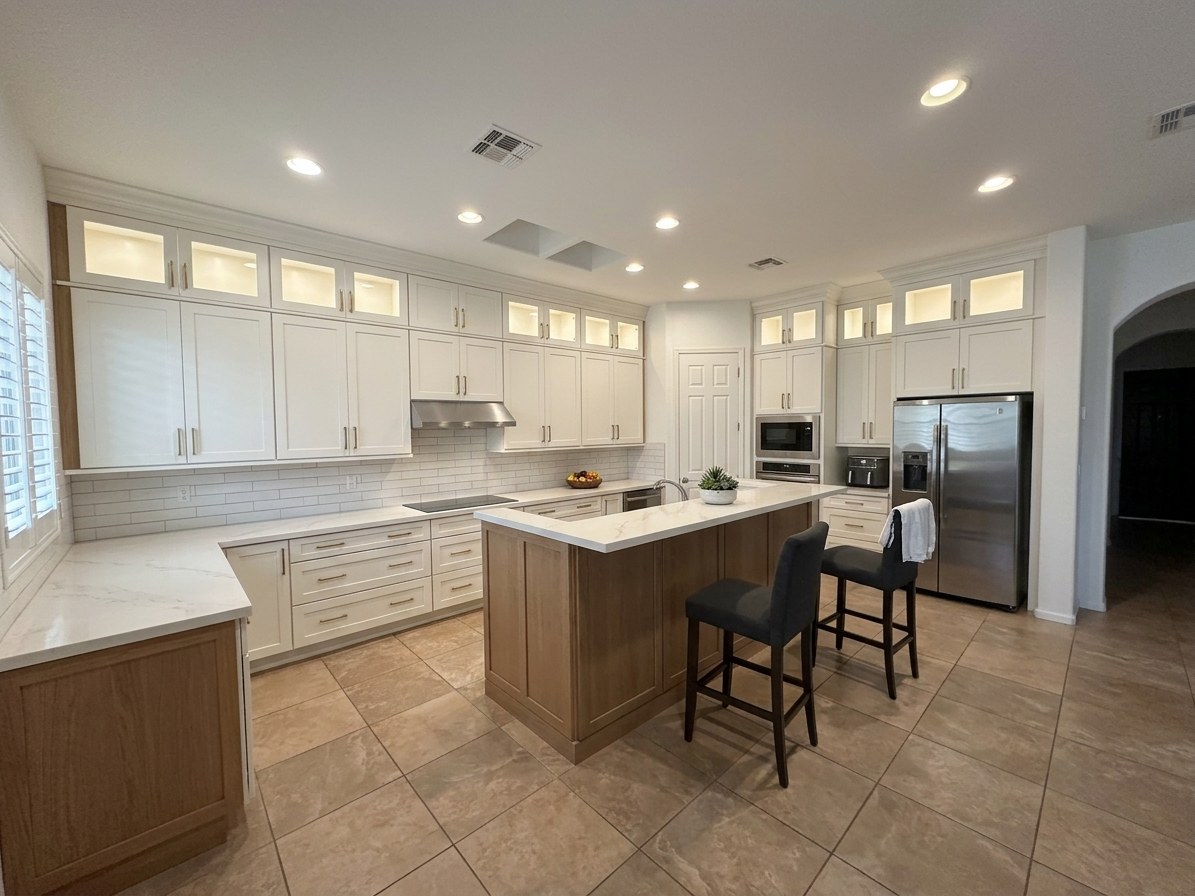 AI-generated concept
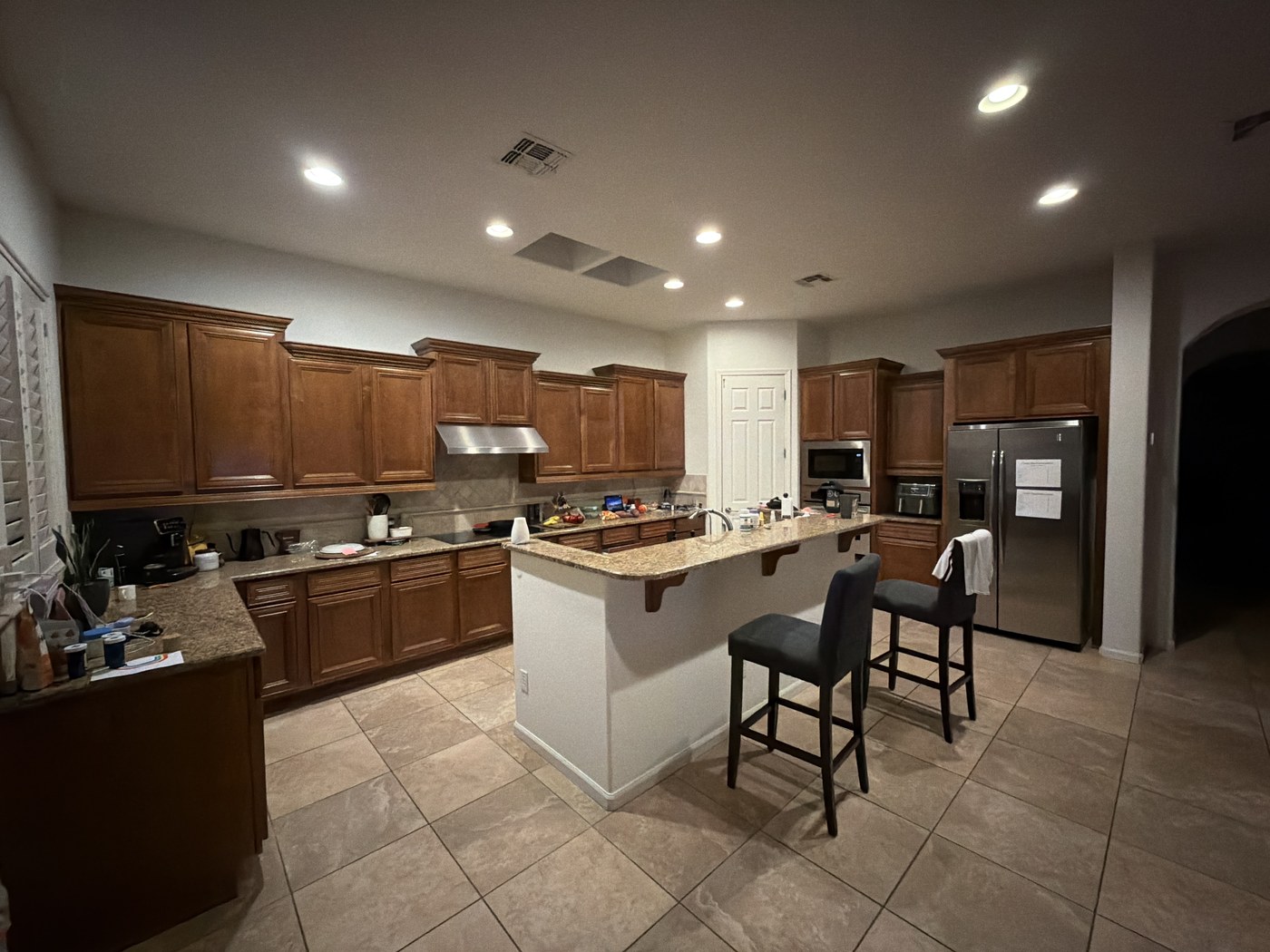
Concept only, not a measurement or quote.
Give an idea
something to react to.
Reference photos and words are useful. Seeing a direction in the room can help make the next conversation more specific.
Start with the space.
A clear kitchen photo gives the visualization its starting point.
Explore a possibility.
Compare the original room with an AI-generated concept for cabinetry, finishes and materials.
Talk through the details.
Use the image to discuss preferences. Confirm actual scope, measurements and products with the right professionals.
Same starting room.
A different direction.
Look at the source photo and the resulting concept side by side. Notice what appeals to you and which details would need a real design review.
Compare the photo and conceptA useful tool.
A clear purpose.
Is the visualization a finished design or quote?
No. It is an AI-generated concept. It does not establish measurements, engineering, available products or project pricing.
How can I explore Levar Render for my workflow?
Start with the example, then contact Levar for a walkthrough and a discussion of your needs.
Does the image replace a design professional?
No. A concept supports the conversation. Final planning, specifications and installation decisions need human review.
Have a room or
a workflow in mind?
Talk with Levar about a walkthrough and how visualization could fit your design conversation.